
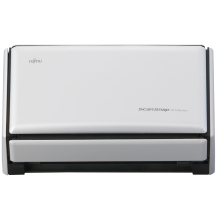
The ScanSnap S1500 drivers enable the scanner to communicate with Windows, allowing reliable document scanning and image processing. Installing the latest drivers and ScanSnap software improves compatibility with Windows 11 and Windows 10, resolves connection issues, and enhances stability. If your ScanSnap S1500 is not detected, fails to scan, or experiences errors, updating or reinstalling the drivers is the recommended solution.
Quick Setup Guide
- Download the Driver
Download the latest ScanSnap S1500 driver and ScanSnap Manager or ScanSnap Home software compatible with your version of Windows. - Install the Software
Run the installer and follow the on-screen instructions. Restart your PC if prompted. - Connect the Scanner
Connect the ScanSnap S1500 to your computer using the USB cable and power it on. Windows should detect the scanner automatically. - Test the Scanner
Launch the ScanSnap software, place a document in the feeder, and perform a test scan to verify the driver and scanner are working correctly.