
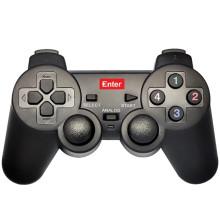
Installing Enter E-GPV Gamepad Driver
- Download enter-Driver-Joystick.zip and extract the contents to a convenient folder on your computer.
- Open the extracted folder and run Setup.exe (or the included installer) as Administrator. If no installer is included, open Device Manager and manually update the driver using the extracted files.
- Follow the on-screen instructions to complete the installation, then restart your computer if prompted.
- Connect the joystick to a USB port and verify it is detected. Open Control Panel > Devices and Printers > Game Controller Settings to test that all buttons and axes are functioning correctly.