
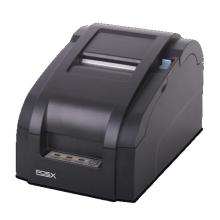
POS-X thermal receipt printers are used for printing sales receipts, order slips, and other point-of-sale documents. The Windows driver allows compatible printers to work with Windows applications and POS software. Download the driver that matches your printer model and connection type from the official POS-X support website.
Installation Guide
- Download the driver: Obtain the appropriate POS-X Thermal Printer Driver for your printer and Windows version.
- Run the installer: Open the downloaded file. If the installer extracts files and closes, follow the prompts to launch the driver installation program.
- Select the printer: Choose the thermal receipt printer option and click Installation.
- Choose the connection: Select the correct port, such as USB or TCP/IP for a network-connected printer.
- Complete setup: Follow the installer prompts and restart Windows if requested.
- Test printing: Open Settings → Bluetooth & devices → Printers & scanners in Windows 11, or Settings → Devices → Printers & scanners in Windows 10. Select the printer and print a test page from its properties.
Note: POS-X offers different drivers for thermal and impact printers. Make sure you select the thermal driver, not the impact printer driver. If your model is older or discontinued, check the manufacturer's support page for its specific package.