
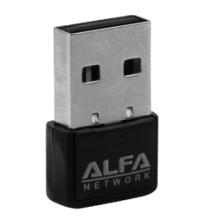
Installing ALFA Pico (3001N)
- Download RTL8188EUS-Windows.zip and extract the contents to a convenient folder on your computer.
- Open the extracted folder and run Setup.exe as Administrator. If no installer is included, use Device Manager to manually install the driver from the extracted folder.
- Follow the on-screen instructions to complete the installation, then restart your computer if prompted.
- Connect the Realtek RTL8188EUS wireless adapter and verify it appears under Network adapters in Device Manager. Connect to your Wi-Fi network to confirm the driver is working correctly